Tool guide
Voicing Stack
Sign in with any account, including Free, to play.
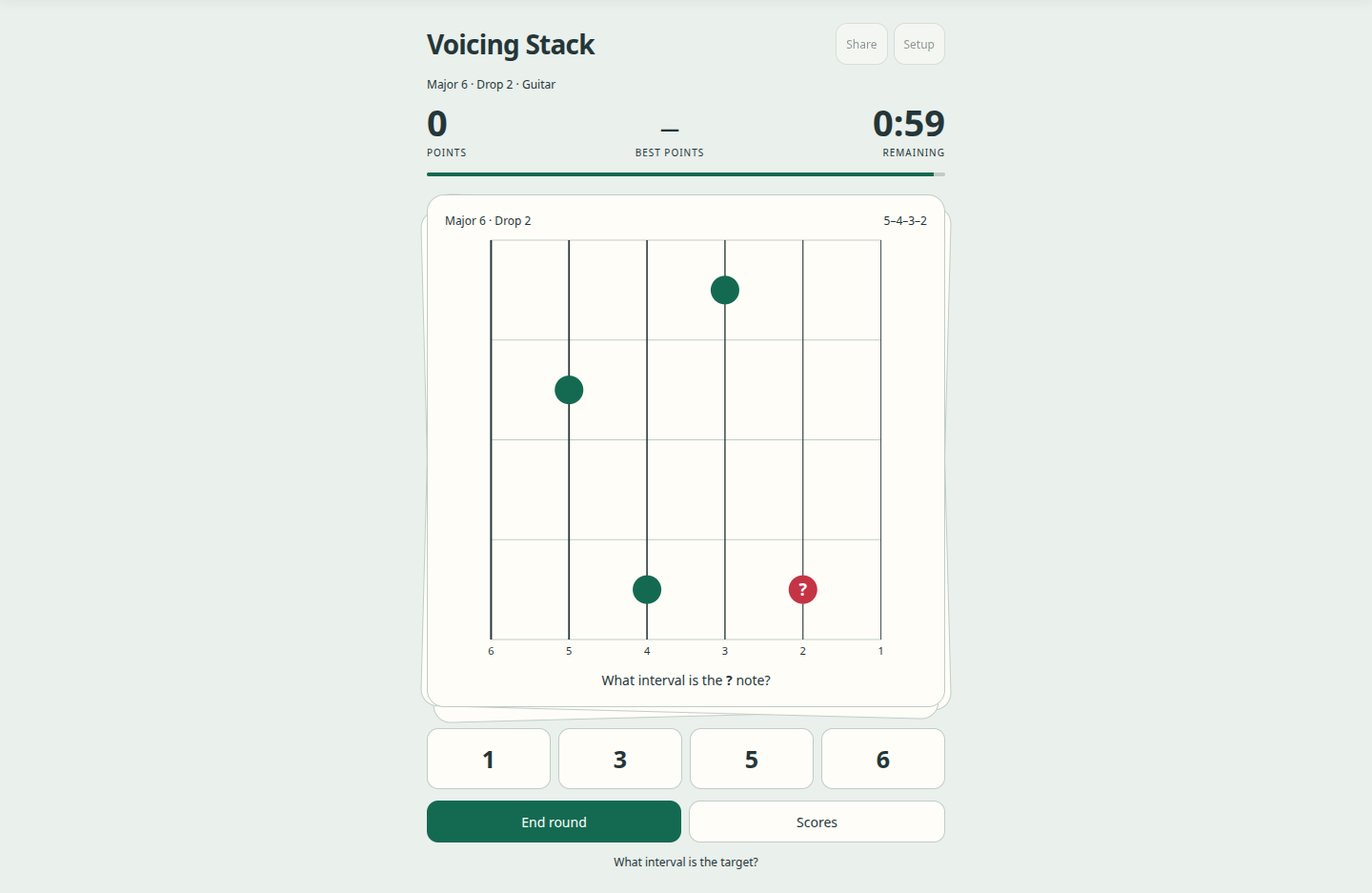
Identify the target interval within each voicing shape. Sign in with any account, including Free, to play and earn points in one minute. Missed and slow targets return sooner.
Play a minute
- Choose Setup to select a chord family, voicing type, string set, instrument and Easy reference policy.
- Press Start minute. Identify the question-mark note relative to the chord root, even when another interval is in the bass.
- A correct answer earns 100 points, up to 50 speed points within five seconds, and 10 extra points per consecutive solve up to a 50-point streak bonus. It plays the exact solved chord using the header Comping sound and volume. A mistake reveals the answer for two seconds while the clock keeps running, then advances automatically.
- At the end, Review targets shows specific missed and slow shapes. End round stops early without saving a personal-best score.
How review works
Learning is tracked separately for each target voice, inversion, string set and voicing type. Equivalent transpositions share a record; guitar, piano and Easy policies have separate records.
Missed targets return soonest. Slow correct answers still earn base and streak points and return sooner than fluent answers. Repeated, spaced success lengthens the gap. These schedules are research-informed, not a guarantee of optimal learning.
Choices, learning history and completed personal-best scores stay in this browser. These local records are not synced to an account. Completed minutes can also be submitted to shared high scores with three initials. Clearing browser data removes them. Personal bests are grouped by practice setup; adaptive decks differ between rounds and players.
Read the card
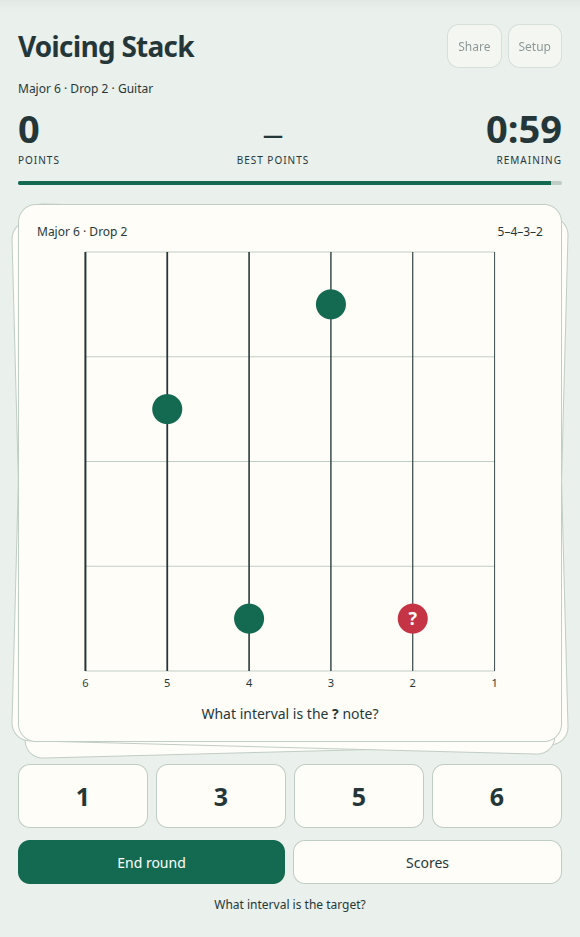
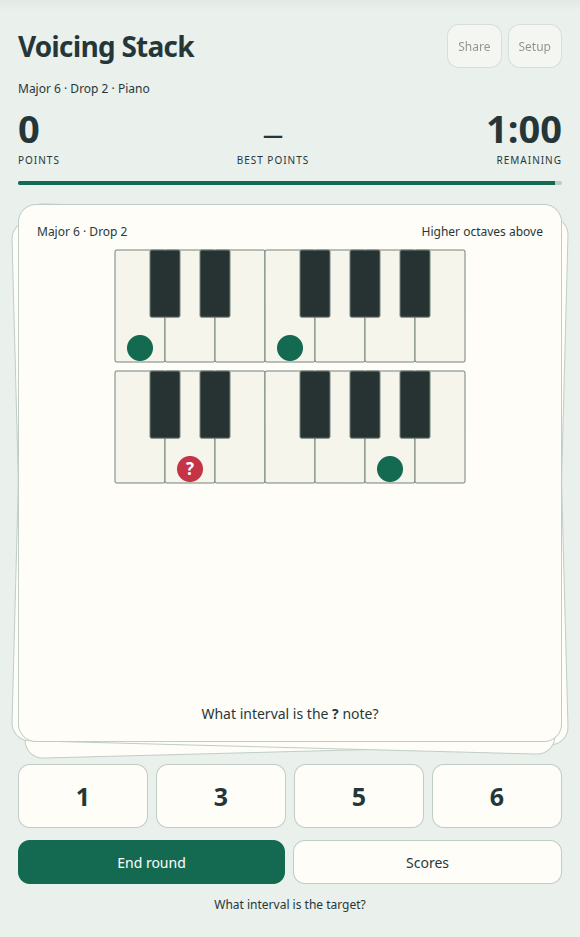
Guitar shows all six strings, with string 6 on the left. Relative fret positions preserve the voicing shape. Piano shows exact pitches on octave rows, with higher octaves above lower ones.
The question mark identifies the target. Gold notes reveal an interval in Easy mode; Dominant 7♭5 always uses a reference note. Still motion removes card travel and the end shake. Reduced-motion system settings are respected.
Fretboard and piano views
Use the instrument selector in the header to switch views. Both views preserve the chord tones of the voicing.