Tool guide
Shell Runner
Sign in with any account, including Free, to play.
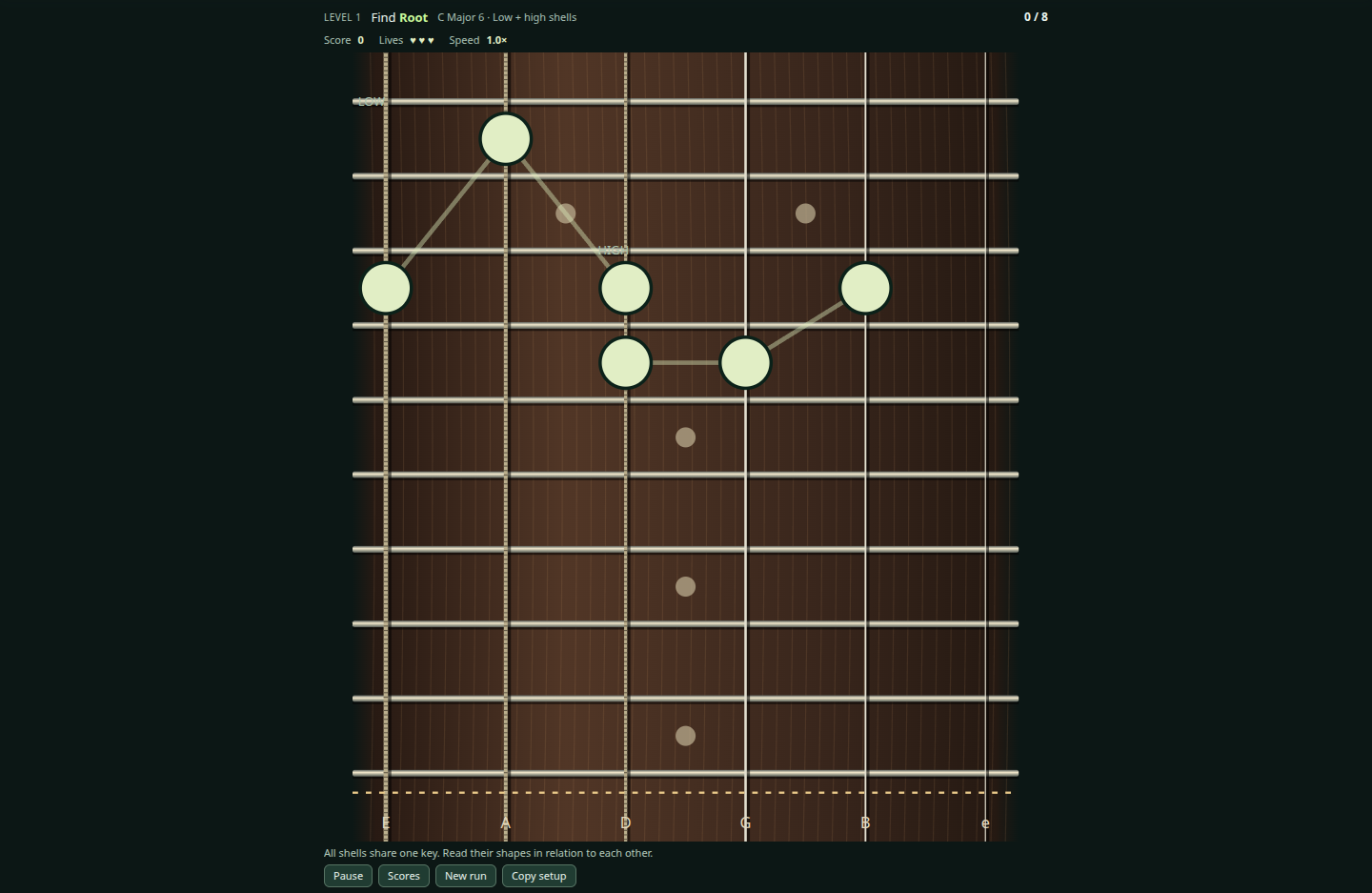
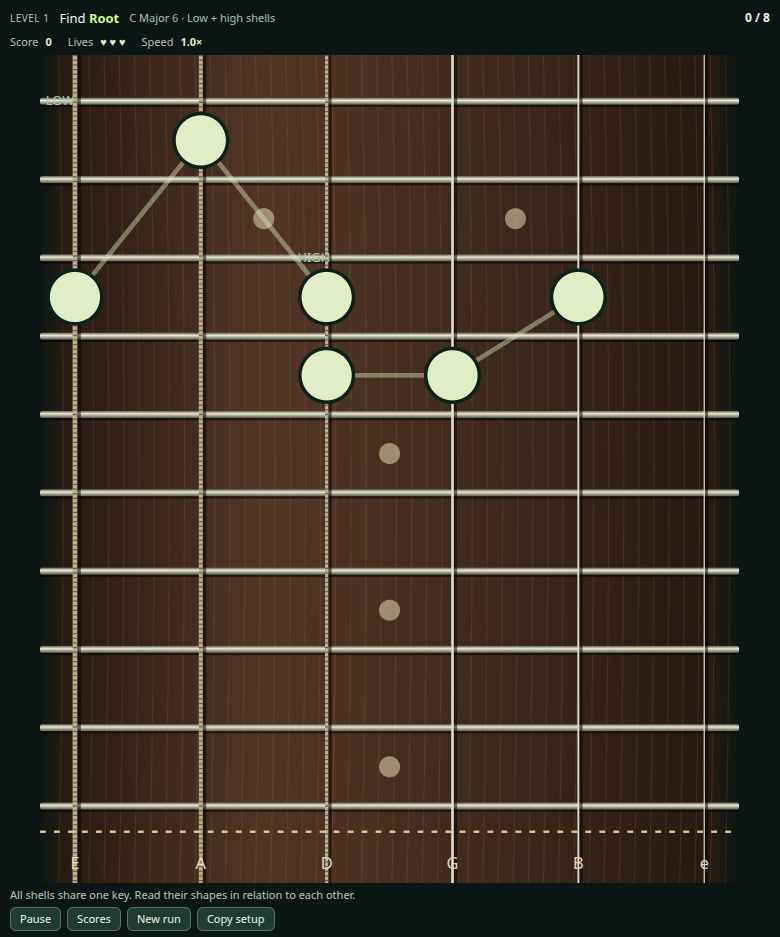
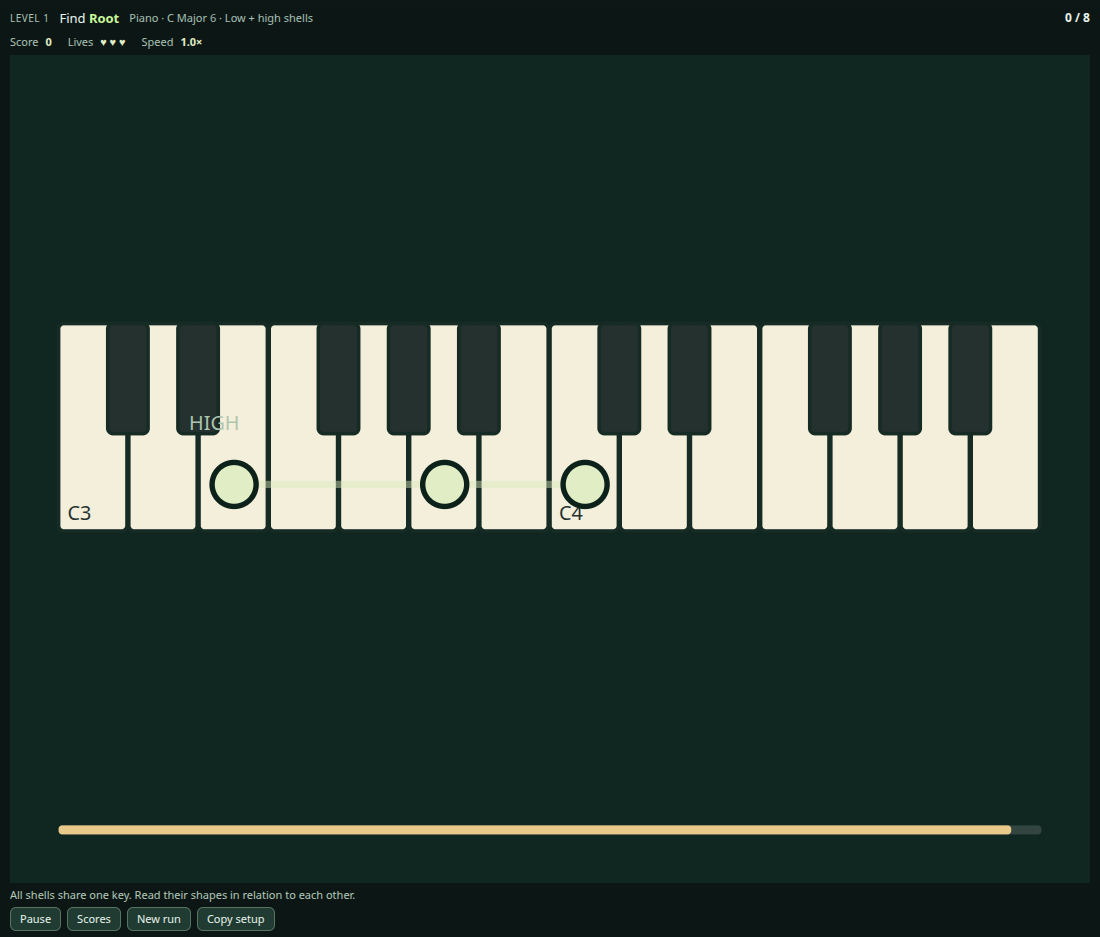
Shell Runner is a guitar and piano game for recognizing chord tones in low and high shell voicings. Sign in with any account, including Free, to play.
Start a run
- Open Settings and choose Guitar or Piano, the key, chord family, shell voicings and first target.
- Choose Challenge or Practice, then start.
- Tap the requested chord tone. Guitar shells move down the fretboard; piano targets stay still while a timer runs, then the keyboard changes. Pause whenever you need to stop.
Challenge and Practice
Challenge uses three lives. Practice is endless and unscored, mixing supported and unhinted attempts as you learn. Complete an uninterrupted unhinted pass through the eligible shapes to advance to the next target.
Piano plays the same exact shell pitches in your chosen key. Landscape gives phones a wider keyboard; Try portrait anyway lets you continue upright. Guitar and piano keep separate learning and score records. Piano score boards also separate keys.
Fretboard and piano views
Use the instrument selector in the header to switch views. Both views preserve the chord tones of the voicing.