
Tool guide
Scale Runner
Play and save high scores without signing in.
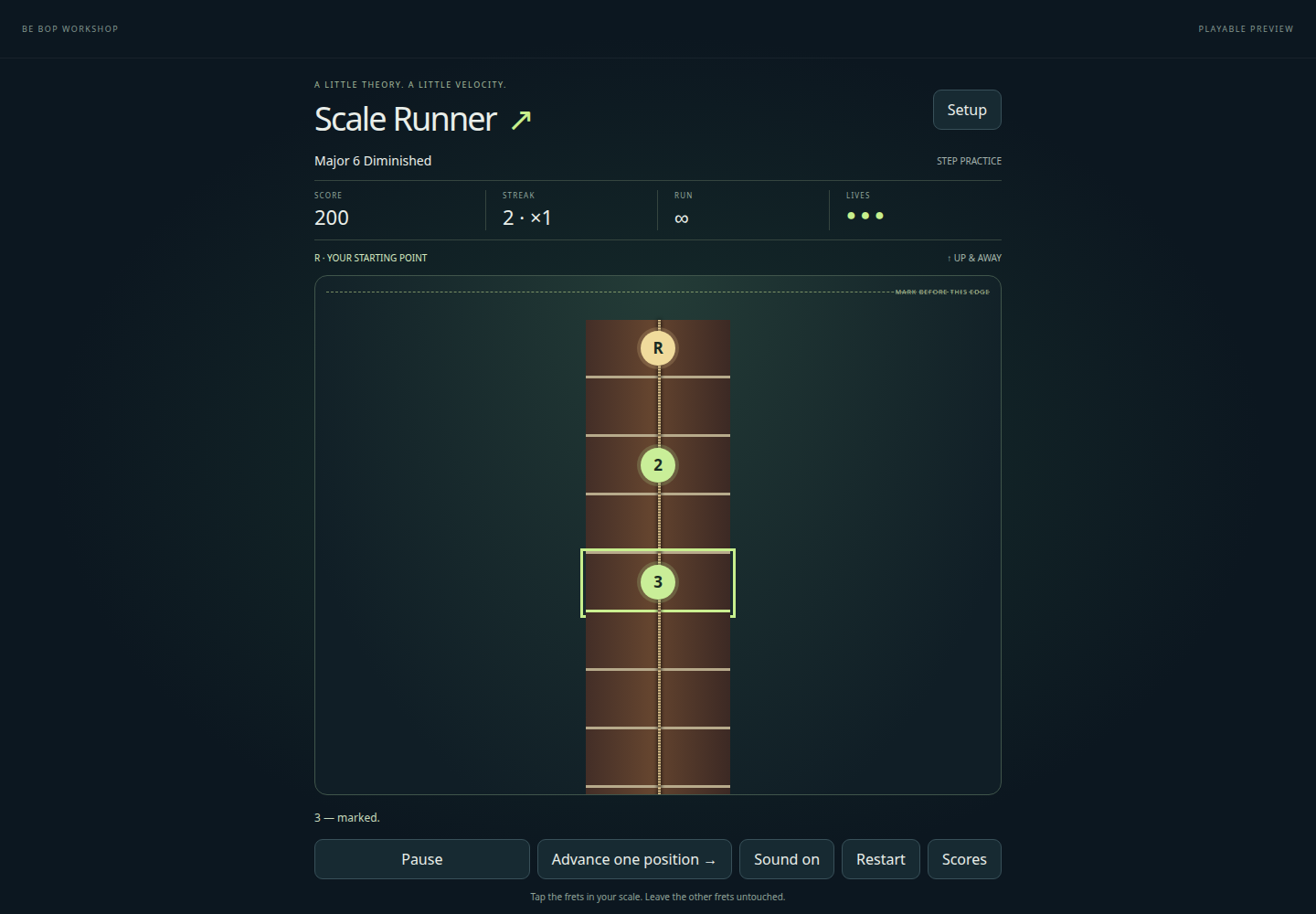
Mark the notes of a scale while the guitar fretboard or piano keys move past. Scale Runner is open to everyone, without signing in.
Start a run
Steady is the default. Gentle gives more time. Correct notes and early streaks increase speed. The endless strip repeats the same octave. Guitar can move upward or right to left; piano moves right to left.
- Choose Setup to select a scale, key, starting speed and run type. Choose Guitar or Piano in the site header.
- Use the gold R as your starting reference. Tap the other positions belonging to the scale; each correct mark paints its interval.
- Leave outside-scale notes untouched. Endless ends when a required note leaves unmarked, or after three wrong taps.
Pause and step practice
Pause freezes the run. Leaving the page or resizing also pauses. Step practice has no timer: use Tab and Enter to mark notes, then Advance. Practice scores do not enter the timed leaderboard.
Save a high score
Boards are separated by scale family, instrument/direction, starting speed and run type. Initials and points are public. Scores are player-reported, with server bounds and submission limits. No account is required.
- Finish a timed run with at least one correct note.
- Choose Save score and enter exactly three letters or numbers.
- Submit to the shared top-ten board, or Close to skip.