Tool guide
Interval Quest
Sign in with any account, including Free, to play.
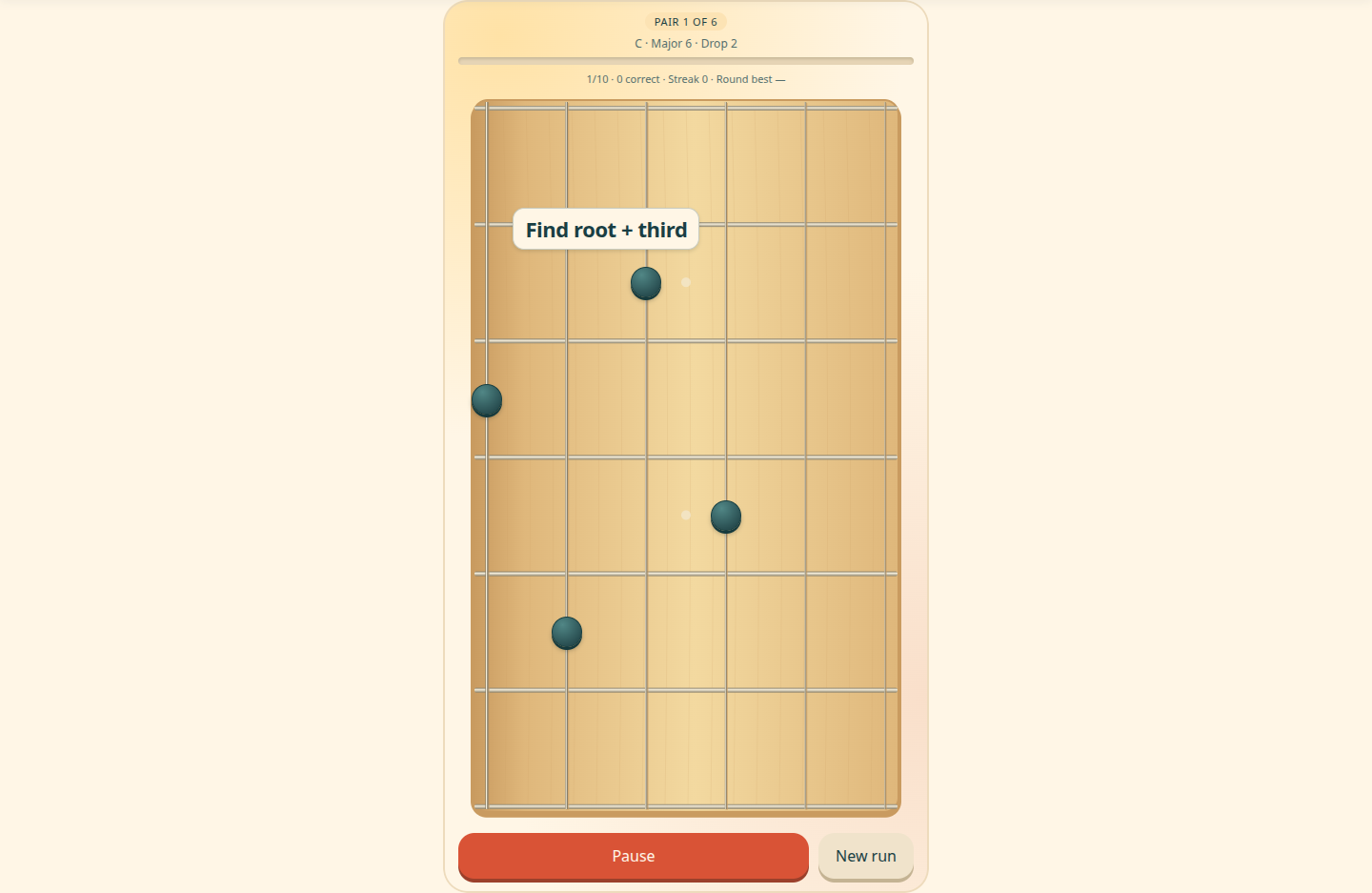
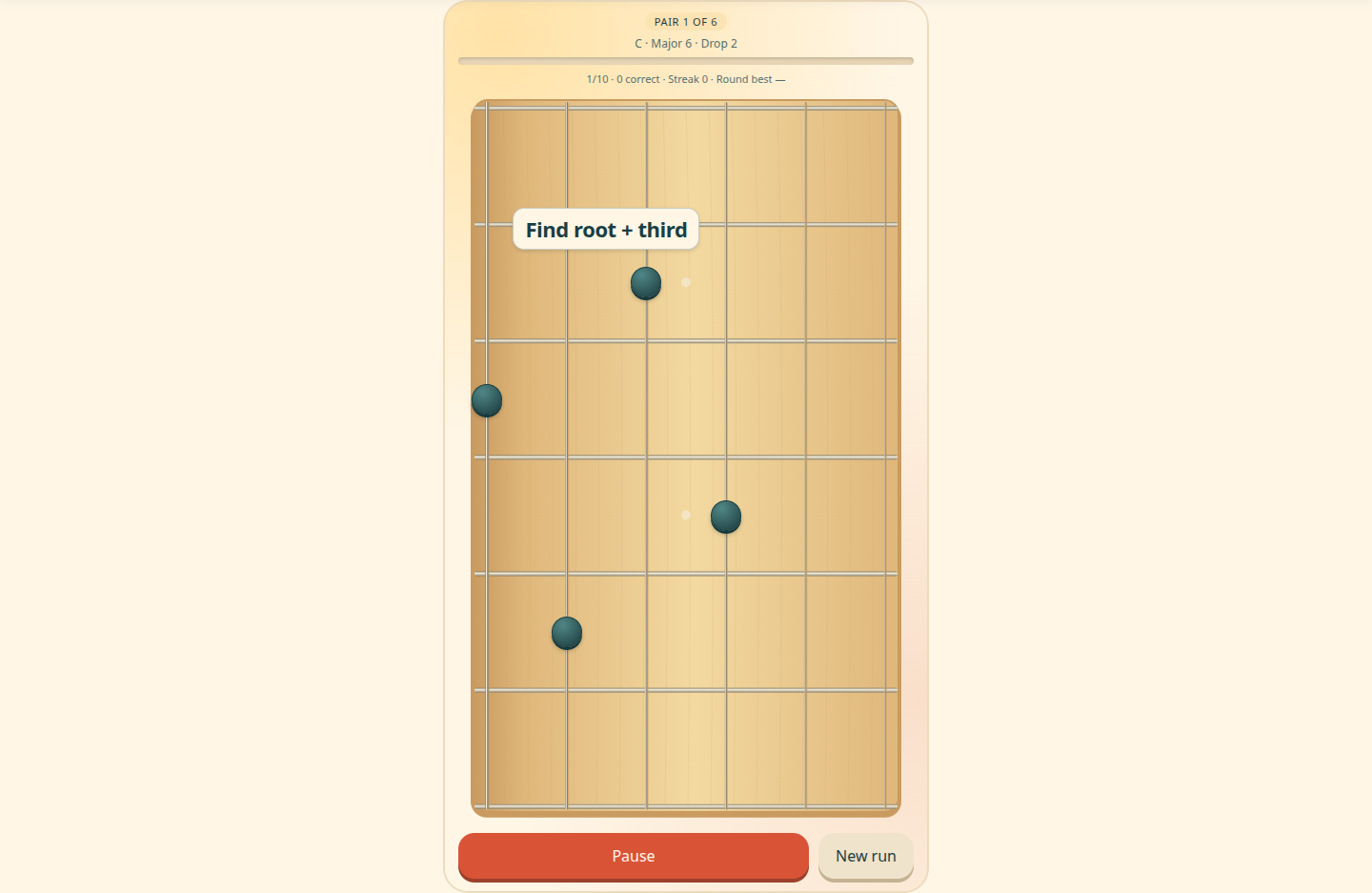
Interval Quest is a guitar and piano game for finding two chord tones inside a complete voicing. Sign in with any account, including Free, to play.
Find the pair
- Use Settings to choose Guitar or Piano, a fixed key or All keys, chord family, voicing type and string selection. New sessions start in C.
- Start the round and tap the two notes matching the requested pair, in either order.
- Read the feedback and continue through ten questions.
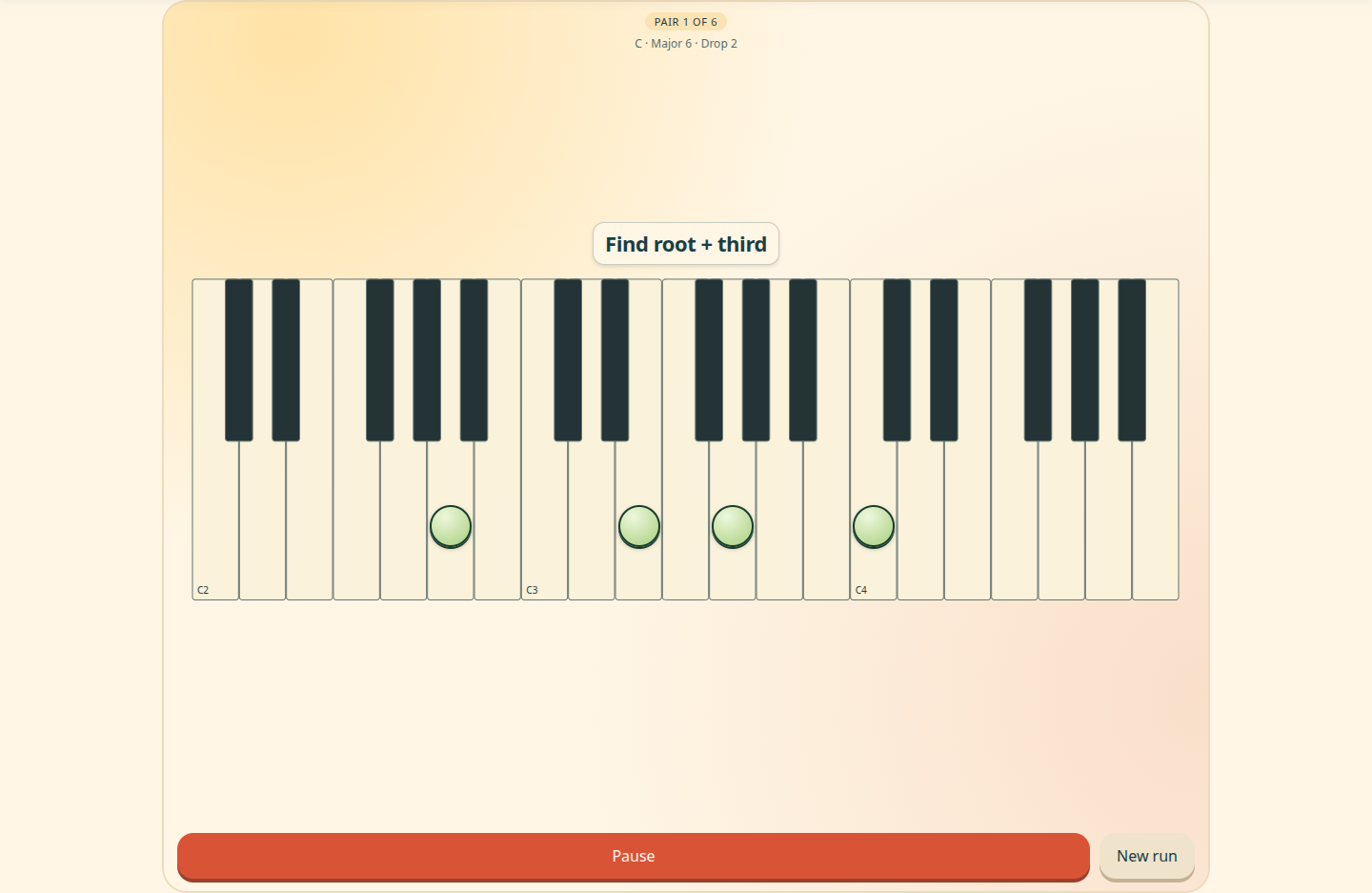
- Piano preserves the voicing's exact pitches on one keyboard. Landscape gives phones more room; Try portrait anyway permits upright play.
Levels and scores
There are six focused pair levels followed by a mixed challenge. Score at least eight correct answers in a round to unlock the next level. Unlocked levels stay available for replay.
Progress is stored in this browser for each configuration, including instrument and key choice. Completed rounds can be submitted with three-character initials to the signed-in high-score board. Fixed keys and All keys have separate boards for each instrument; existing guitar All keys scores remain available.
Fretboard and piano views
Use the instrument selector in the header to switch views. Both views preserve the chord tones of the voicing.